◔
More jobs =
more people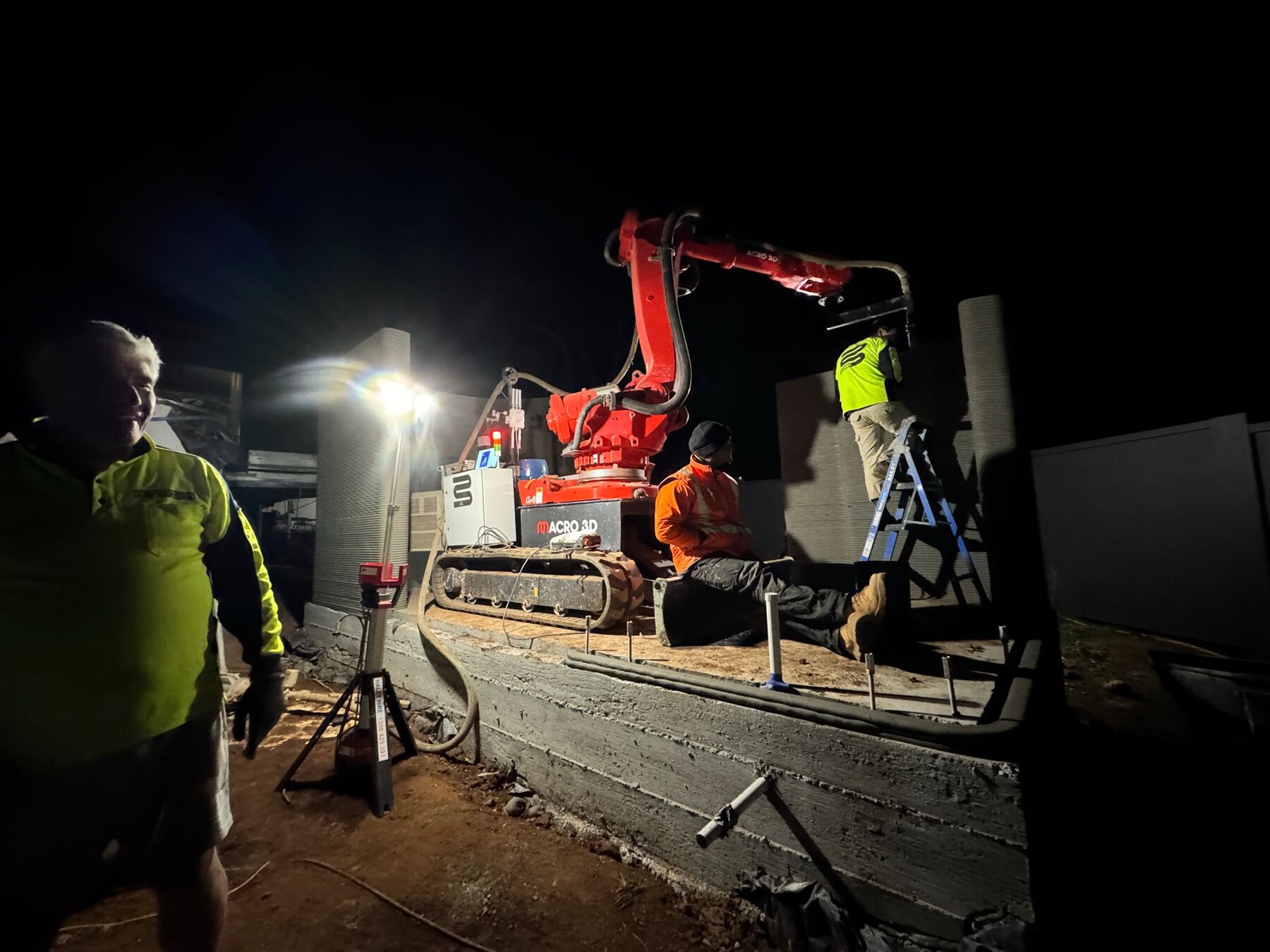
You know how every job ends up bottlenecked by labour... timelines blow out... and margins disappear?
Learn how concrete 3D printing is enabling builders and developers to deliver faster, increase margins, and scale capacity without increasing labour.
Most people exploring this aren’t just curious — they’re evaluating how to position themselves for the next phase of construction.
👉 Join Early Access to Upcoming IntakesLimited seats. Priority given to active builders and developers.
More jobs =
more peopleMore people =
more riskMore risk =
inconsistent marginsConcrete 3D printing introduces a different model:
Reduced reliance on labour
Faster, more repeatable delivery
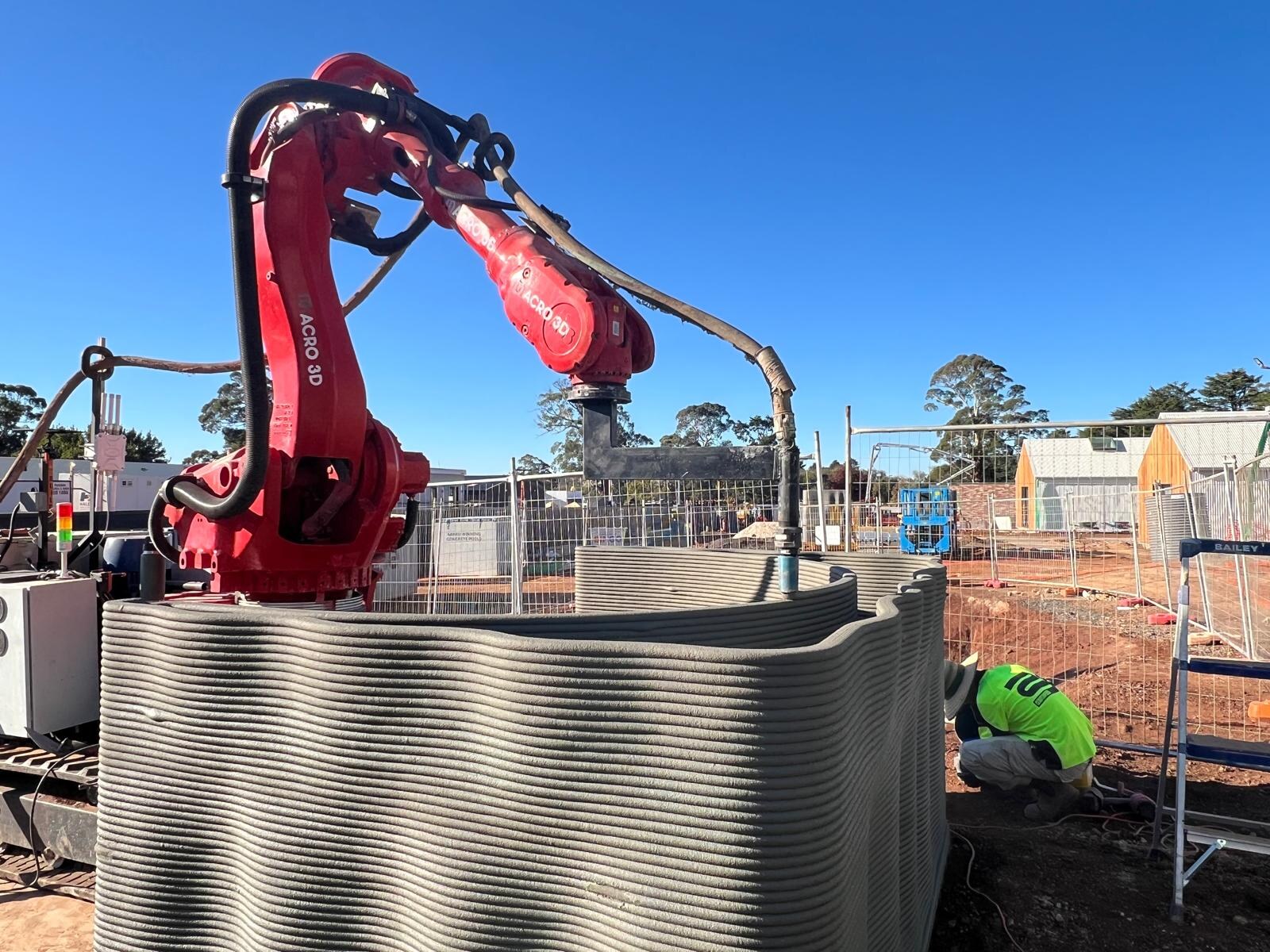
Greater control over timelines
Scalable project delivery
This isn't just a course
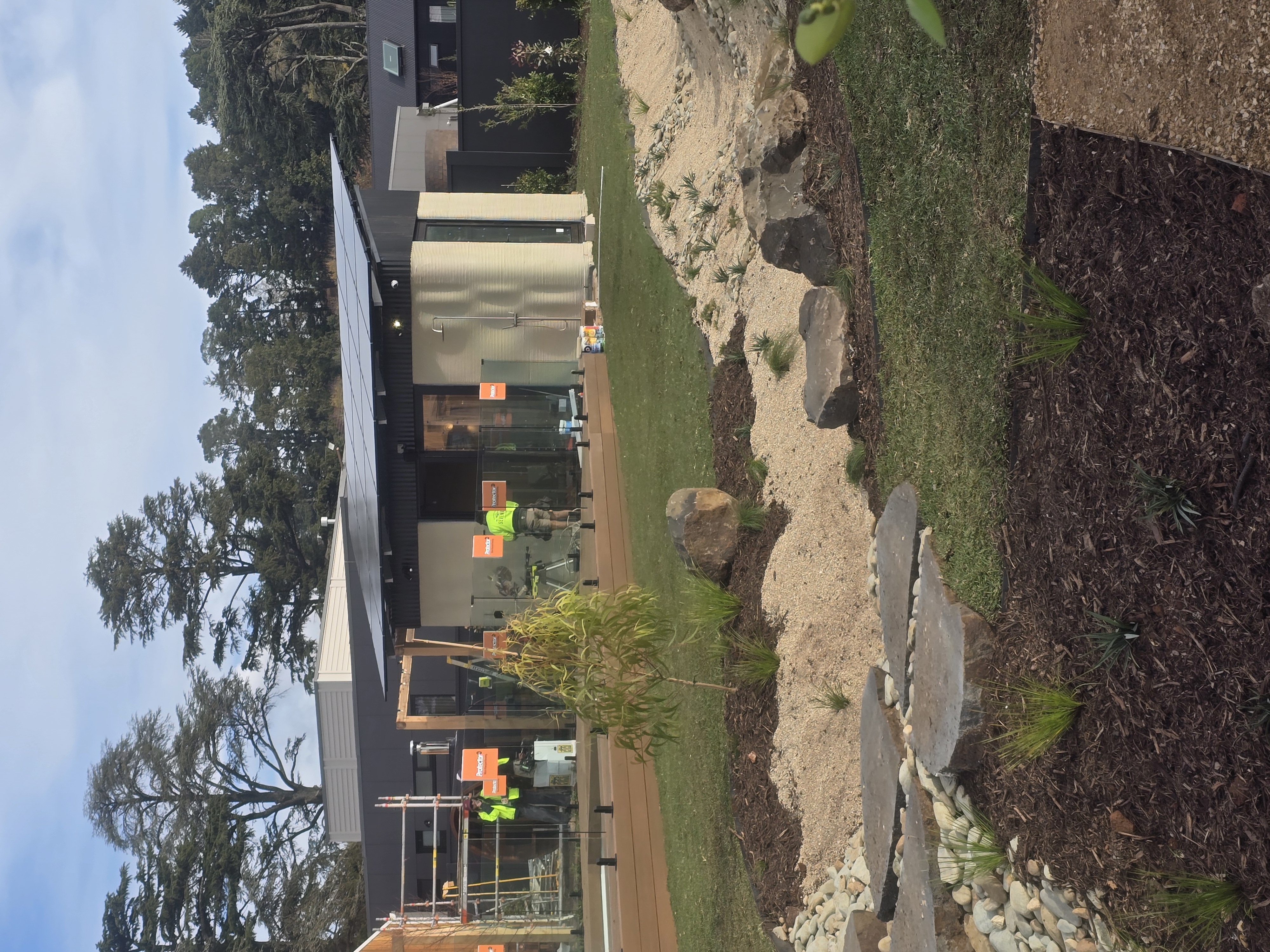
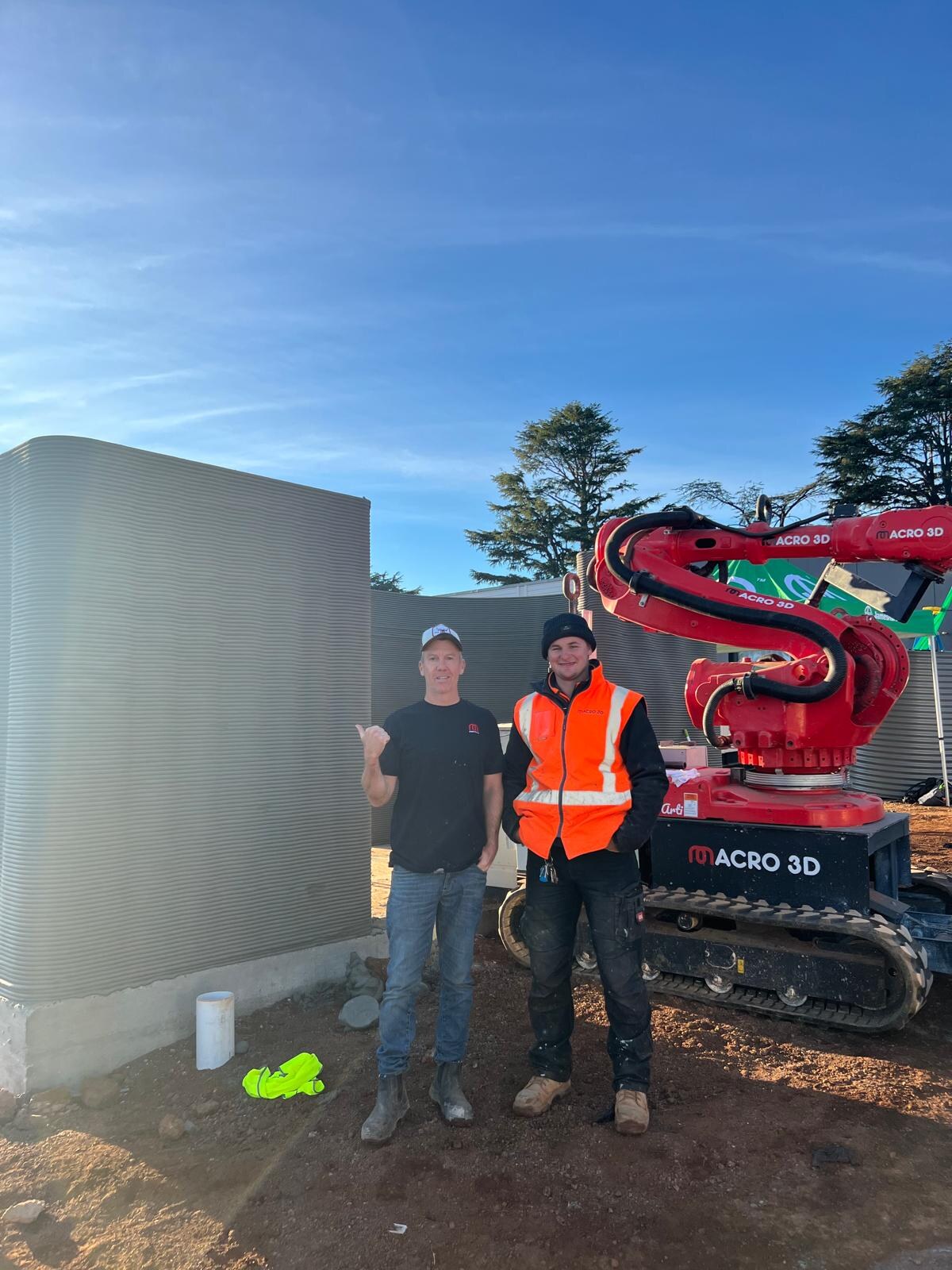
5 buildings delivered in 5 days as part of The Block 2025 project.
Most operators don’t fully understand this model until they see it in action — which is why the training is built around real execution.

This isn't about learning a tool
Bypass labor bottlenecks and take total control of your market's capacity. If you are evaluating this as a serious strategic move for your business, fill out your details below to connect directly with Tom’s sales team.
Labour shortages aren’t improving
Build timelines are under pressure
Margins are tightening across the industry
The operators who adopt production-based construction early will control capacity in their markets.
This isn’t about learning a tool.
And potentially:
👉 A pathway to work with Macro3D as a verified printing partner
Initial Evaluation
Operator-Level Training
Why Macro3D
Delivered real-world 3D printed builds
Proven capability across machine, software, and materials
End-to-end execution experience
You’re learning from people actively building — not theorising.
Builders delivering multiple projects
Developers wanting more control over build
Construction business owners hitting scale limits
Operators looking for the next leverage point
Live Operation
Join Early Access
Fill this out if you are seriously evaluating 3D concrete printing as a capability inside your business.